How to Download Form 15G Online: Form 121 PDF, Eligibility and Submission Guide - 2026
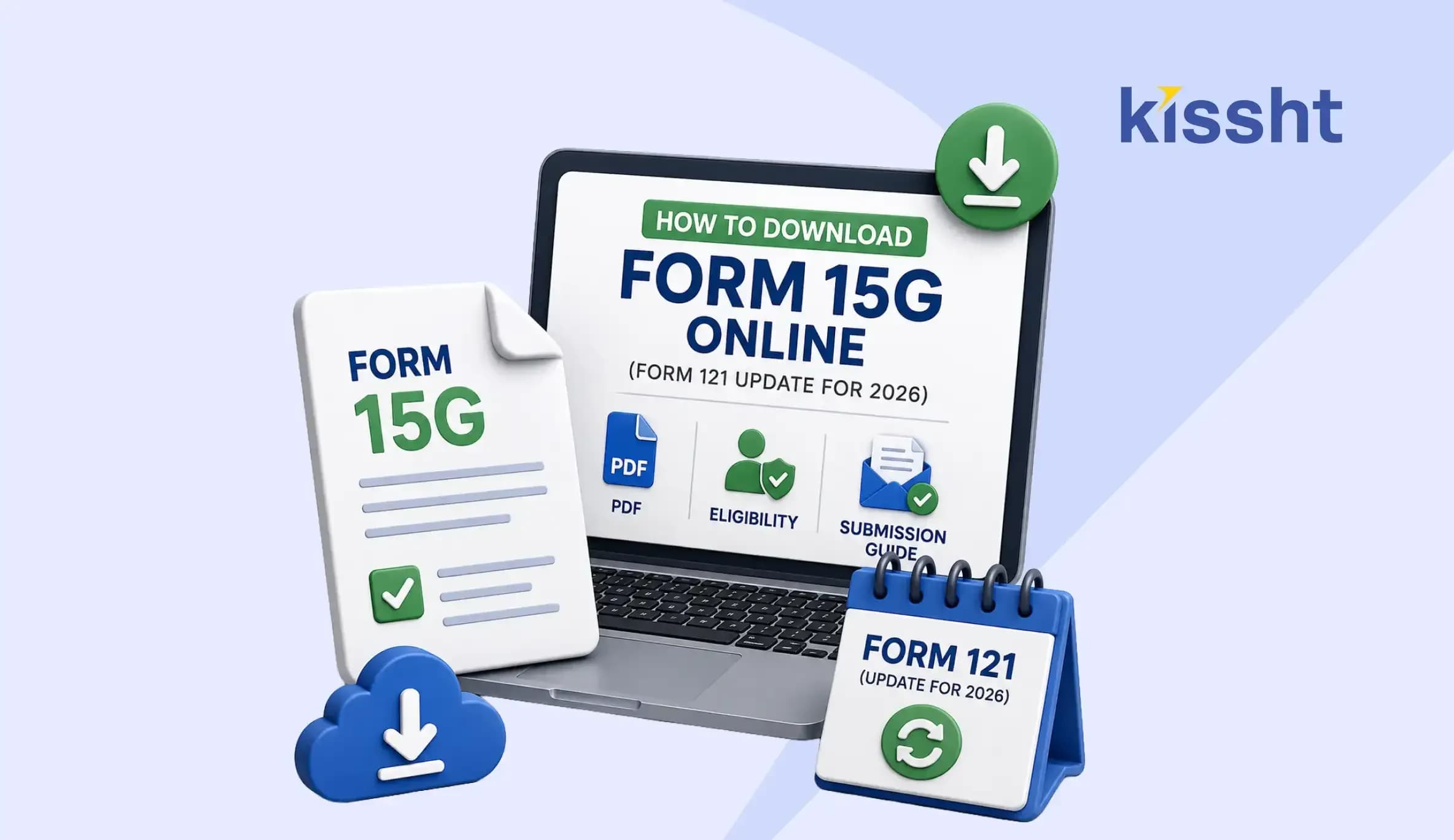
Eligible taxpayers previously used Form 15G or Form 15H to request payments without tax deducted at source (TDS). From 1 April 2026, the declarations are merged into Form 121 for Tax Year 2026–27 onwards.
This revision can help when managing income and commitments such as a personal loan repayment. The declaration prevents TDS when its conditions are met but does not make income tax-free. Applicants must calculate estimated total income and liability correctly.
A form 15G download search may continue to display older documents. For Tax Year 2026–27, taxpayers should confirm that the form 15G PDF download result is Form 121 before entering their PAN, income or bank details.
What Changed from Form 15G to Form 121?
Form 121 replaces the age-based forms. It is governed by Section 393(6) of the Income-tax Act, 2025 and Rule 211 of the Income-tax Rules, 2026.
The declarant completes Part A and submits it to the payer. The organisation examines the information, completes Part B, assigns a Unique Identification Number (UIN) and reports the transaction.
| Point | Earlier Process | Process from 1 April 2026 |
|---|---|---|
| Declaration | Form 15G or Form 15H, depending on eligibility and age | Consolidated Form 121 |
| Governing Rule | Rule 29C | Rule 211 |
| Applicable Provision | Section 197A of the Income-tax Act, 1961 | Section 393(6) of the Income-tax Act, 2025 |
| Submission | Paper form or a facility offered by the payer | Paper or electronic mode accepted by the payer |
Who Can Submit Form 121?
For a person below 60 and other eligible persons excluding companies and firms, estimated tax liability must be nil. Aggregate specified income must also remain within the maximum amount not chargeable to tax.
A resident aged 60 or above during the tax year must have nil tax on estimated total income. Earnings from all sources should be considered before signing.
Form 121 can apply to specified receipts such as:
- Interest from banks, co-operative banks and post offices
- Interest on securities
- Dividend and mutual-fund income
- Rent and insurance commission
- Certain life-insurance payments
- Eligible accumulated provident fund payments
How to Complete a Form 15G PDF Download
People may use an online loan app for borrowing-related requirements, but tax declarations should always be obtained from the Income Tax Department website or the payer’s facility. For the current form 15G PDF download, confirm that the document displays “Form No. 121”, cites Rule 211 and carries the correct tax year.
Keep the following information ready:
- Valid and operative PAN
- TAN of the payer or deductor
- Age proof when claiming eligibility as a person aged 60 or above
- Details of the income or investment covered by the declaration
- Bank-account information for interest-bearing instruments
Complete Part A, review the income figures and verify the declaration. Submit it to the payer through its net-banking, mobile, upload or branch facility. Retain the acknowledgement.
Form 15G for PF Withdrawal
The phrase form 15G for PF withdrawal now refers to Form 121 for Tax Year 2026–27. It may apply when a recognised provident fund balance is payable and the member meets the requirements.
Before claiming, verify current EPFO instructions, PAN, bank and employment details. Consider income for the full tax year. Do not upload an old form 15G PDF because an earlier claim used it.
Checks to Complete Before Submission
- File before the income is credited or paid so the payer can consider the declaration prior to deducting tax.
- Give a separate declaration to every payer from whom qualifying income is expected.
- Verify PAN, tax year, contact details and estimated income.
- Preserve the submitted form, UIN and acknowledgement.
- Do not file when the estimated tax payable is above zero.
Users reviewing commitments through the Kissht app should treat Form 121 separately and submit it through the channel accepted by the payer.
A form 15G download result may remain online for reference. Verify its effective date, number and rule. Never share PAN, income or bank details through an unfamiliar form 15G PDF download source.
Conclusion
Form 121 combines two declarations. Accurate income estimation remains essential because it prevents eligible TDS without changing the receipt’s tax treatment. Verify all entries and submit it before payment.
FAQs
1. Can I complete a form 15G download during 2026?
For Tax Year 2026–27 onwards, the applicable declaration is Form 121. Check the tax year before submission.
2. Is Form 121 submitted directly to the Income Tax Department?
The declarant submits Part A to the payer through the paper or electronic channel offered by that organisation. The payer subsequently completes the prescribed verification and reporting.
3. Does Form 121 make interest or PF income tax-free?
No. It allows eligible income to be paid without TDS when the conditions are satisfied. The amount must still be considered while calculating taxable income and filing an income-tax return, where applicable.






Instant Loans at Your Fingertips


Personal Loan
Fast, hassle-free loan for your personal needs.

Business Loan
Fuel your business growth with quick approvals.

Loan Against Property
Unlock your property’s value with ease.

Credit Pulse
Boost your credit score with smart insights.

Track your credit score
Simply enter your mobile number to get a quick overview of your credit score.
Check Now

Related articles

Sept 23, 2026
What are the Common UPI Terms and Their Meanings?
Sept 15, 2026
UPI MDR Explained: What Changes From October 2026?

Aug 28, 2026
Mutual Funds vs․ Stocks: What's the Difference?

Aug 28, 2026
Best Investment Options for Beginners

Aug 23, 2026
SIP Investment Guide for Beginners: Steps, Benefits and Risks
Aug 11, 2026
Different Types of Bank Accounts in India: Which One Should You Choose?
Aug 25, 2026
Form 26AS: Meaning, Details, Login & How to Download
Aug 25, 2026
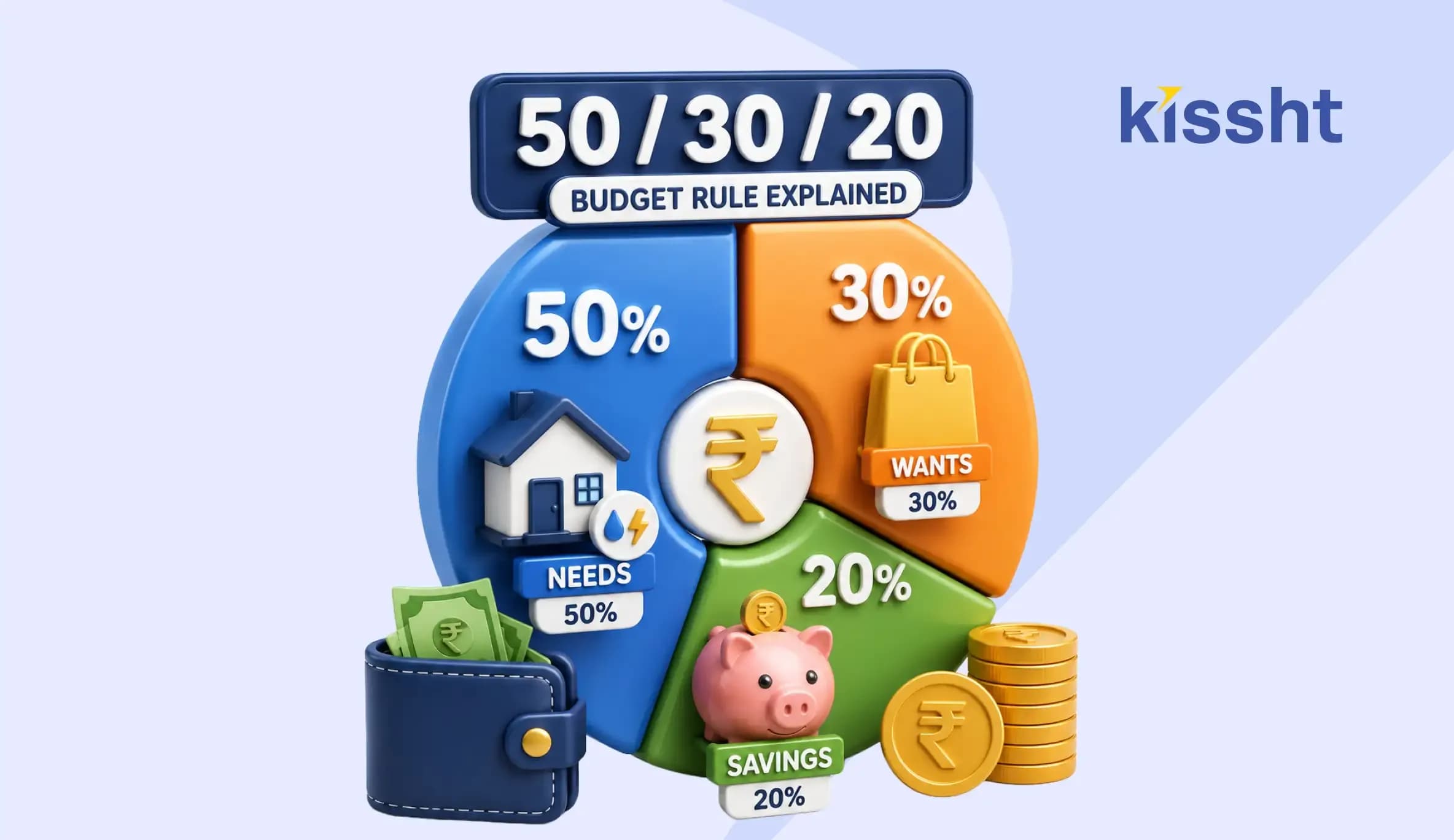
50/30/20 Budget Rule: Your Simple Guide to Financial Management
Jul 28, 2026
8 Best Walking Pads for Home in India (2026): Top Foldable Picks for Everyday Fitness
31st Jul 2026
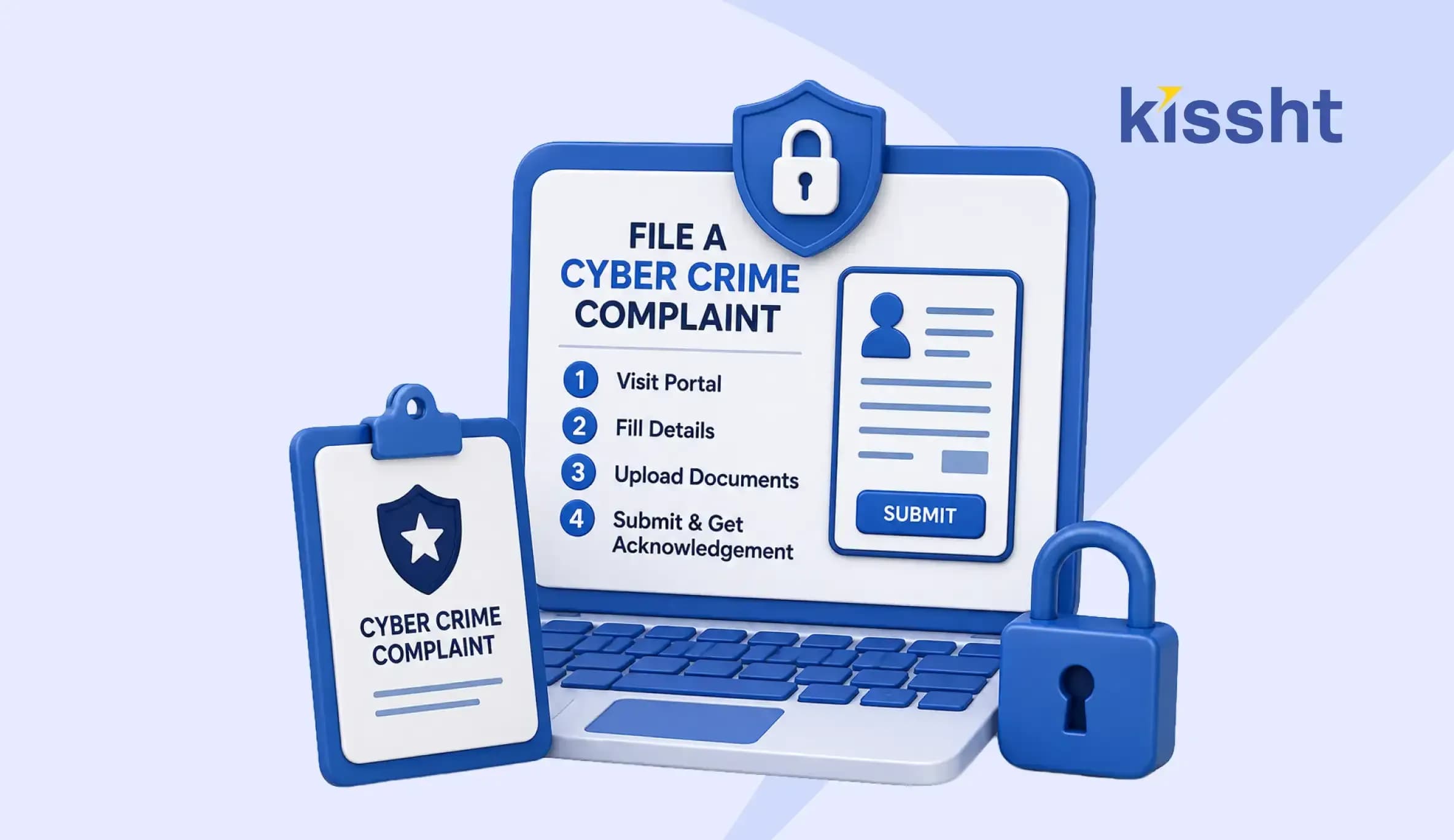
How to File a Cyber Crime Complaint in India - Step-by-Step Process

Jun 18, 2026

