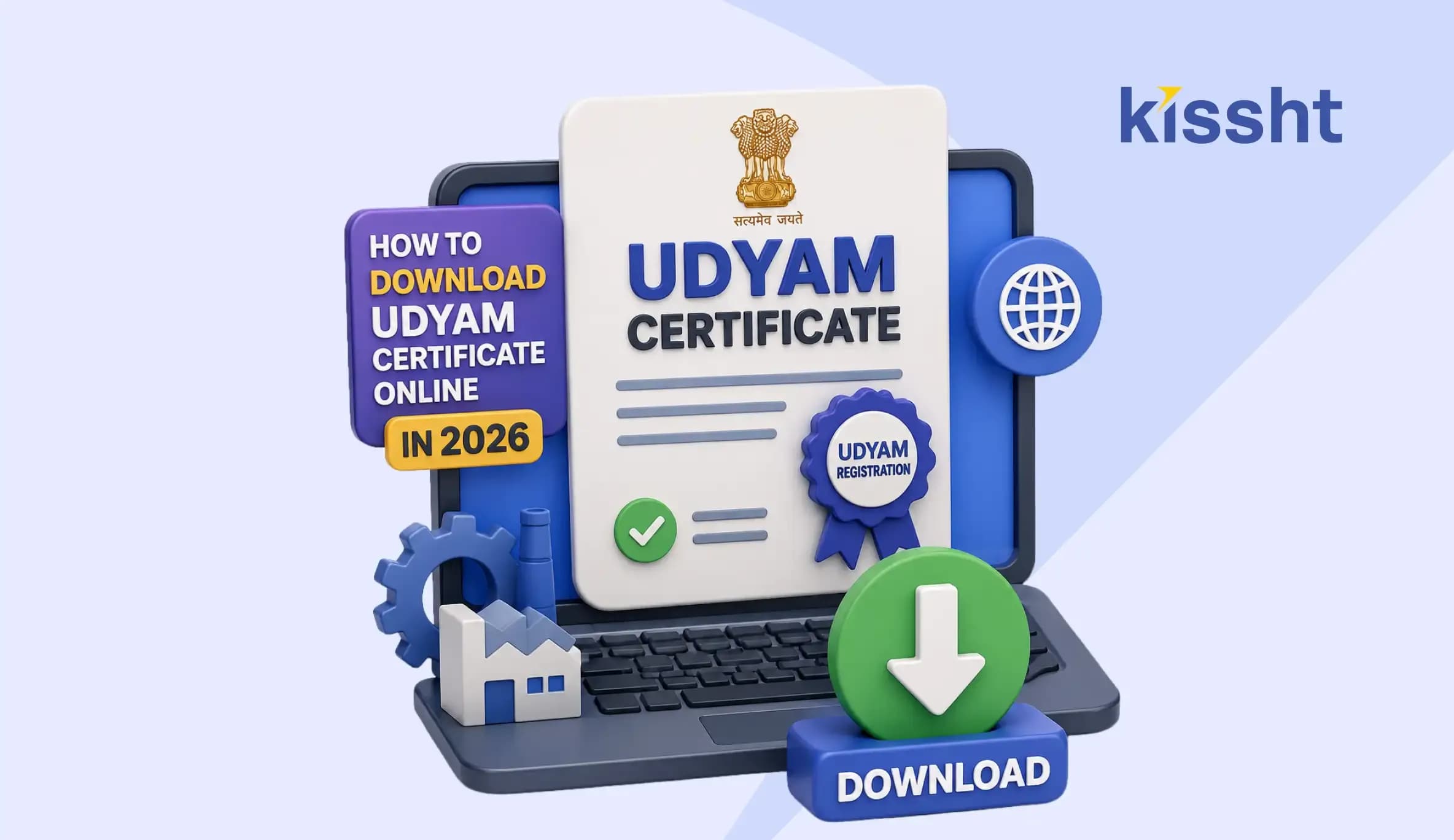
How to Download Udyam Certificate Online in 2026
Starting a small business in India has become easier over the last few years. Government initiatives have simplified the registration process for Micro, Small, and Medium Enterprises (MSMEs), which helps entrepreneurs access various benefits and schemes. One of the most important documents for MSME owners today is the Udyam Certificate.
Anyone running a small business, startup, manufacturing unit, service-based enterprise, or seeking a business loan should keep their Udyam registration details handy. Financial institutions, government departments, and even some business loan app platforms frequently ask for this document during verification. If you have already registered your enterprise under the MSME category, let’s explore how to access and download this document online without any interruption.
What is the Udyam Certificate?
The Udyam Certificate, also known as the MSME Registration Certificate, is an official document issued by the Ministry of Micro, Small, and Medium Enterprises (MoMSME) of the Government of India. It legally recognises a business as an MSME and provides access to various schemes, subsidies, and credit.
A Udyam Registration Certificate includes important details such as:
- Business name and address
- Owner’s name
- Enterprise type
- Registration date
- Udyam Registration Number (19-digit alphanumeric)
- Classification of the enterprise
- QR code for verification
Why is the Udyam Registration Certificate important?
Registered MSME owners often need a certificate while applying for business loan offers from platforms like Kissht opening business accounts or completing vendor registrations. Some key Udyam registration benefits include:
- Collateral-free loans at lower interest rates
- Simplified licence and regulatory approvals
- Discount on trademark and patent registration fees
- Tax-related benefits and exemptions
- Free ISO certification
- No government security deposits
- Subsidy on electricity bills
- Protection against delayed payments
- Preference in selected government tenders
How to download the Udyam Certificate online in 2026?
The Udyam Certificate download process is completely online and can be completed within a few minutes through the following steps:
- Visit the official Udyam registration website
- Go to the ‘Print/Verify’ section
- Choose the ‘Print Udyam Certificate’ option from the list
- Enter the Udyam Registration Number
- Enter the registered mobile number
- Choose any one OTP option: registered mobile/registered email address
- Enter the verification code
- Click on the ‘Validate & Generate OTP’ option
- Enter the OTP received on the mobile/email address
- Click on the ‘Validate OTP and Login’ option
- Once logged in, take the printout of the Udyam Registration Certificate
How to verify Udyam Registration Certificate?
A quick online verification can help confirm whether your Udyam Certificate is active and valid by following these steps:
- Visit the official Udyam registration website
- Go to the ‘Print/Verify’ section
- Click on the ‘Verify Udyam Registration Number’ option
- Enter the Udyam Registration Number
- Enter the valid Verification Code
- Click on the ‘Verify’ button
How to find out the Udyam Registration Number?
If you have forgotten this permanent Udyam number, you can retrieve it online through the steps as mentioned below:
- Visit the official Udyam registration website
- Go to the ‘Print/Verify’ section
- Click on the ‘Forgot Udyam/UAM Number’ option
- Choose the registration option as ‘Udyam Registration’
- Choose any one OTP option: registered mobile number/registered email address
- Enter mobile number/email address as per the above selection
- Click on the ‘Validate & Generate OTP’ option
- Receive the Udyam Registration Number on the selected option: mobile number/email address
Common reasons to download the Udyam Certificate
MSME owners usually complete the Udyam download process to access the certificate for:
- Loan applications
- Government lenders
- Vendor onboarding
- Tax-related documentation
- Bank account opening
- MSME benefit claims
- Government subsidies
Downloading the Udyam Certificate in 2026 requires a few clicks on the official Udyam registration website and an OTP verification. Once done, your MSME certificate will be ready to print and save. The registration costs nothing, never expires, and gives your business access to a wide range of government-backed advantages.
For MSME owners looking to take the next step in business growth, Kissht is a trusted business loan app that makes financing simple and accessible. You can check your eligibility, use the business loan EMI calculator to plan repayments, and apply for a business loan anytime and anywhere.
FAQs
1. What is the Udyam Certificate?
The Udyam Registration Certificate is an official document issued by the MoMSME, Government of India, to recognise and classify a business as an MSME legally.
2. Can I download my Udyam Certificate?
Yes. You can download your Udyam Registration Certificate online through the official Udyam registration website after completing OTP verification.
3. What is the Udyam registration eligibility?
Micro, Small, and Medium Enterprises engaged in manufacturing, trading, or service activities can apply if they meet the prescribed investment and turnover limits.
4. Can I have 2 Udyam Registration Certificate?
No, you cannot legally have two Udyam Certificates under the exact same PAN (Permanent Account Number). The government mandates a strict "one PAN, one Udyam" policy to eliminate duplication and ensure accurate MSME classification.
5. Do we need to renew Udyam Certificate every year?
A Udyam Registration Certificate has a permanent lifetime validity and requires no formal renewal. However, you are required to annually update your business details on the official portal to maintain active MSME status and benefit eligibility.
6. What to do if the Udyam Certificate is lost?
If you lose your Udyam Registration Certificate, you can easily retrieve your Udyam Registration Number and reprint your certificate for free through the authorised portal.
7. Is the Udyam Certificate mandatory?
No, an Udyam Certificate is not strictly mandatory for all business loans. However, if you are applying for MSME-specific loans or government schemes, it is practically essential to have one.
Manage Your Monthly Budget with Ease Using Smart Household Finance Apps
 Previous
Same-Day Loans Explained: Meaning, Process, and Benefits


Kissht Research TeamTeam Kissht - Authors
Thank You for reading the Kissht blog. Behind every article is the Kissht Content & Research Team, working to make sure you always find clear, reliable answers to your personal finance questions.Thank you for reading the Kissht blog. Behind every article is the Kissht Content & Research Team, working to make sure you always find clear, reliable answers to your personal finance questions.

Instant Loans at Your Fingertips
Apply nowPersonal Loan
Fast, hassle-free loan for your personal needs.

Business Loan
Fuel your business growth with quick approvals.

Loan Against Property
Unlock your property’s value with ease.

Credit Pulse
Boost your credit score with smart insights.

Track your credit score
Simply enter your mobile number to get a quick overview of your credit score.
Check Now
Related articles

Aug 20, 2026
Chakshu Portal: What to Do When You Receive a Fraudulent Communication?

Jul 15, 2026
How Much Loan Can You Get for a Food Franchise Business?
Aug 10, 2026
Independence Day Special: 10 Smart Money Habits to Build Financial Freedom
Jul 23, 2026
What Is the Difference? MSME Loan vs Business Loan
Jul 20, 2026
How to Check EPFO Pension Status Online Using PPO Number (2026)
Jul 21, 2026
Top Reasons for MSME Loan Rejection
Jul 20, 2026
Documents Required for GST Registration
Jul 13, 2026
Personal Loan vs MSME Loan: Which is Better for Business Needs?
Jun 29, 2026
How Much Personal Loan Can I Get Based on My Salary? Complete Eligibility Guide (2026)

Jun 20, 2026
Top Government Schemes for Starting a Business in India 2026: A Complete Guide
Jun 25, 2026
Manage Your Monthly Budget with Ease Using Smart Household Finance Apps

Jun 13, 2026

