How to Check EPFO Pension Status Online Using PPO Number (2026)
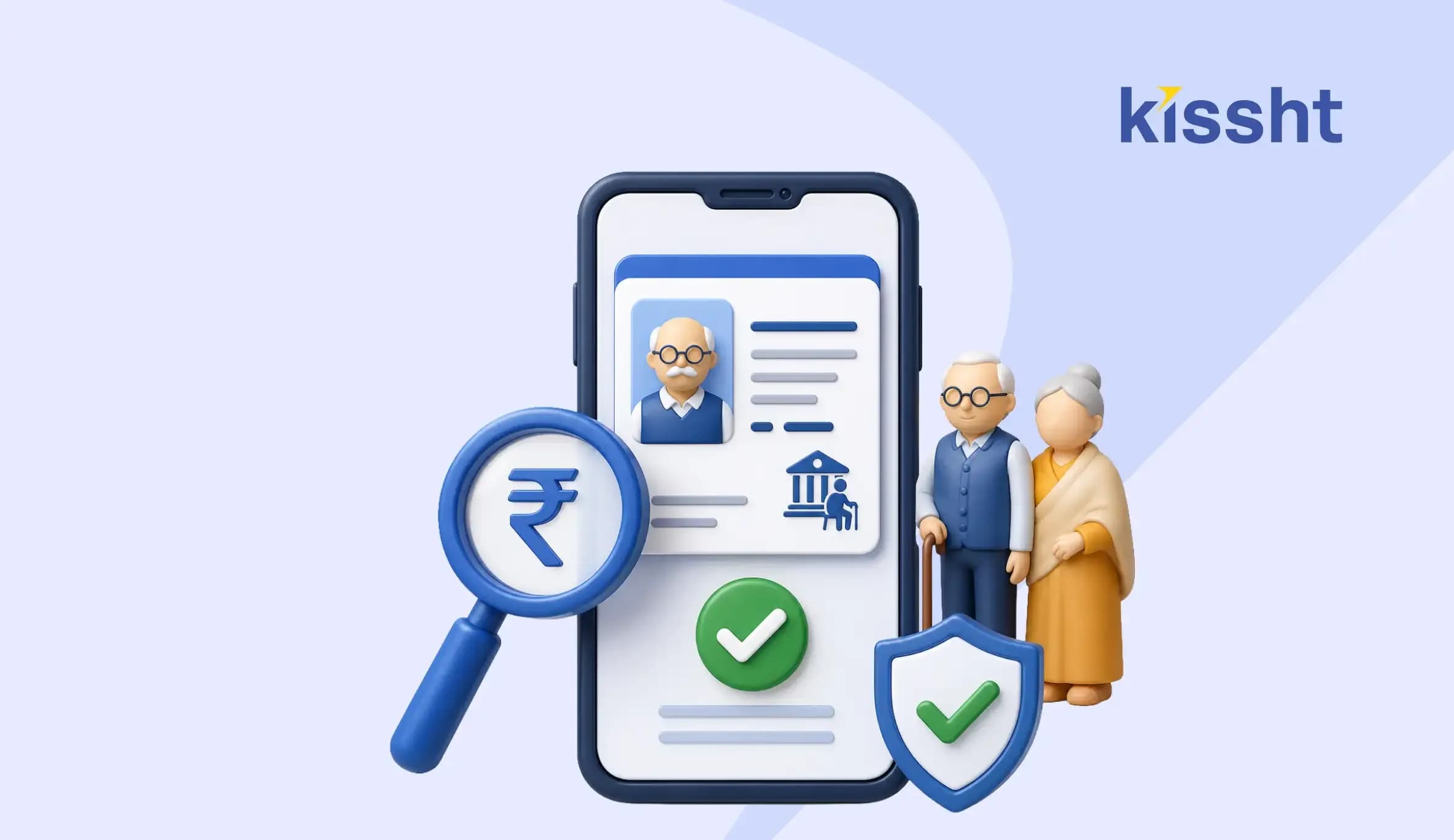
Retirement benefits provide financial security to millions of pensioners across India. If you receive a pension under the Employees' Pension Scheme (EPS), checking your pension details regularly helps confirm that payments are credited on time and allows you to identify discrepancies early. Thanks to the EPFO Pensioners' Portal and other digital services, tracking your pension status has become faster and more convenient.
Whether you're looking for your EPFO pension status, EPF pension status, EPS 95 pension status, or want to understand how to check EPFO pension status, the process is straightforward. Through the EPFO pensioners portal, your PPO number, or the UMANG app, you can complete an EPFO pension status check in just a few minutes. Alongside monitoring your retirement benefits, it is equally important to manage your finances wisely. A personal loan EMI calculator can also help you plan major expenses while protecting your long-term savings.
What is a Pension Payment Order (PPO)?
A Pension Payment Order (PPO) is a unique 12-digit identification number issued to pensioners under the Employees' Pension Scheme. It acts as your pension reference number and enables EPFO and pension disbursing banks to identify your records and process monthly pension payments.
The PPO number is required for several pension-related services, including:
- Checking pension status
- Downloading pension details
- Updating bank account information
- Submitting a life certificate
- Raising pension-related grievances
Unlike the Universal Account Number (UAN), which identifies your EPF membership during employment, the PPO is used specifically for pension-related services after retirement.
What You Need Before Checking Your EPFO Pension Status
| Requirement | Purpose |
|---|---|
| PPO Number | Identifies your pension account. |
| UAN | Optional for accessing certain EPFO member services. |
| Registered mobile number | Used for authentication where applicable. |
| Linked bank account details | Helps verify whether your pension has been credited. |
| Internet connection | Required for online access. |
How to Check EPFO Pension Status Online
The easiest way to check your pension details is through the official EPFO Pensioners' Portal.
Step 1: Visit the EPFO Pensioners' Portal
Open the official EPFO Pensioners' Portal and select Know Your Pension Status.
Step 2: Enter Your Details
Provide the following information:
- PPO Number
- Office Code
- Office ID
These details are available on your PPO document or pension records.
Step 3: View Your Pension Status
Click Get Status to access your pension details.
- Pension payment status
- Date of pension credit
- Pension amount
- Bank details
- Processing status
This enables pensioners to verify whether their monthly pension has been processed successfully.
Other Ways to Check Your Pension Status
If you cannot access the EPFO Pensioners' Portal, you can use any of the following options:
| Method | Description |
|---|---|
| UMANG App | Access EPFO services using your registered credentials. |
| EPFO SMS Service | Receive EPFO-related notifications through the registered mobile number where applicable. |
| EPFO Helpline | Contact EPFO customer support for assistance with pension-related queries. |
| Regional EPFO Office | Visit your nearest EPFO office for help with pension-related services and issues. |
How to Find Your PPO Number
If you do not have your PPO document, you can still locate the number through official sources. Similarly, planning finances in advance with a personal loan can help you stay prepared for expected expenses without affecting your retirement corpus.
- Checking your pension sanction letter.
- Reviewing your pension passbook or bank statement.
- Logging into the EPFO Pensioners' Portal.
- Contacting your pension disbursing bank.
- Visiting the nearest EPFO office.
Understanding Different Types of EPS Pension
The Employees' Pension Scheme (EPS), 1995 provides different pension benefits based on an individual's eligibility.
| Pension Type | Eligibility |
|---|---|
| Superannuation Pension | Available after reaching the prescribed retirement age with eligible service. |
| Early Pension | Can be claimed before the prescribed retirement age with reduced benefits, as per EPS rules. |
| Disability Pension | Granted in case of permanent disability while in service, subject to eligibility conditions. |
| Widow or Family Pension | Paid to eligible family members after the pensioner's death. |
| Children's Pension | Paid to eligible children along with the family pension, where applicable. |
Knowing your pension category helps you understand the benefits you are entitled to and makes it easier to track your EPS pension status or EPS 95 pension status.
Common Issues While Checking EPFO Pension Status
| Issue | Solution |
|---|---|
| Incorrect PPO number | Verify the number from your pension records and try again. |
| Pension not credited | Check with your pension disbursing bank before contacting EPFO. |
| Portal not responding | Try again later or use the UMANG app. |
| Bank account mismatch | Ensure your bank details are updated with EPFO. |
| Missing pension records | Contact your regional EPFO office or pension disbursing bank for assistance. |
If the issue persists, you can register a grievance through EPFO's online grievance management system or visit your nearest EPFO office. Most pension-related issues are resolved after document verification or updating account details. For other planned financial requirements, many users also prefer the convenience of an instant loan appfor quicker access to funds.
Staying informed about your pension benefits is an important part of financial planning. Alongside tracking retirement income, managing day-to-day finances is equally important. Platforms like Kissht can help you manage planned financial needs while you continue building your long-term retirement savings.
Conclusion
Checking your EPFO pension status from time to time can help you identify payment issues early and keep your pension records up to date. With digital services such as the EPFO Pensioners' Portal and the UMANG app, the process takes only a few minutes. Keeping your PPO number and other essential details readily available can make future pension-related services quicker and more convenient.
FAQs
How can I check my EPFO pension status online?
Visit the official EPFO Pensioners' Portal, enter your PPO number and office details, and click Get Status to view your pension information. You can also use the UMANG app for an EPFO pension status check.
What is the difference between a UAN and a PPO number?
A UAN identifies your EPF account during your employment, while a PPO number is issued after retirement and is used to manage pension-related services under the Employees' Pension Scheme.
What should I do if my pension payment has not been credited?
First, verify the payment with your pension disbursing bank. If the issue remains unresolved, contact EPFO or register a grievance through its online grievance management system to track your EPFO pension payment status.
What Is the Difference? MSME Loan vs Business Loan
 Previous
Short-Term Loan vs Long-Term Loan: Which Is Better?


Kissht Research TeamTeam Kissht - Authors
Thank You for reading the Kissht blog. Behind every article is the Kissht Content & Research Team, working to make sure you always find clear, reliable answers to your personal finance questions.Thank you for reading the Kissht blog. Behind every article is the Kissht Content & Research Team, working to make sure you always find clear, reliable answers to your personal finance questions.

Instant Loans at Your Fingertips
Apply nowPersonal Loan
Fast, hassle-free loan for your personal needs.

Business Loan
Fuel your business growth with quick approvals.

Loan Against Property
Unlock your property’s value with ease.

Credit Pulse
Boost your credit score with smart insights.

Track your credit score
Simply enter your mobile number to get a quick overview of your credit score.
Check Now
Related articles

Aug 20, 2026
Chakshu Portal: What to Do When You Receive a Fraudulent Communication?

Jul 15, 2026
How Much Loan Can You Get for a Food Franchise Business?
Aug 10, 2026
Independence Day Special: 10 Smart Money Habits to Build Financial Freedom
Jul 23, 2026
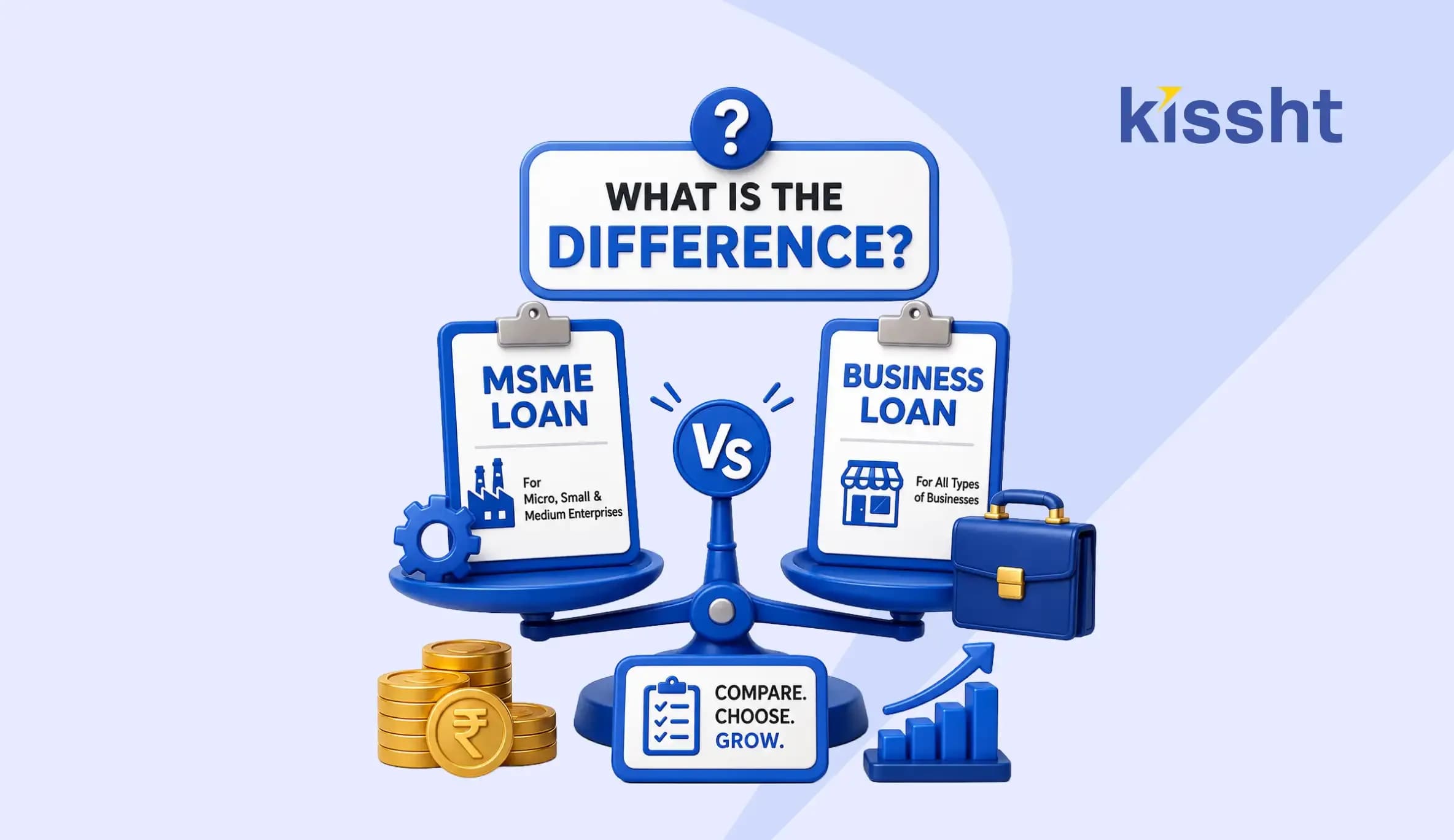
What Is the Difference? MSME Loan vs Business Loan
Jul 21, 2026
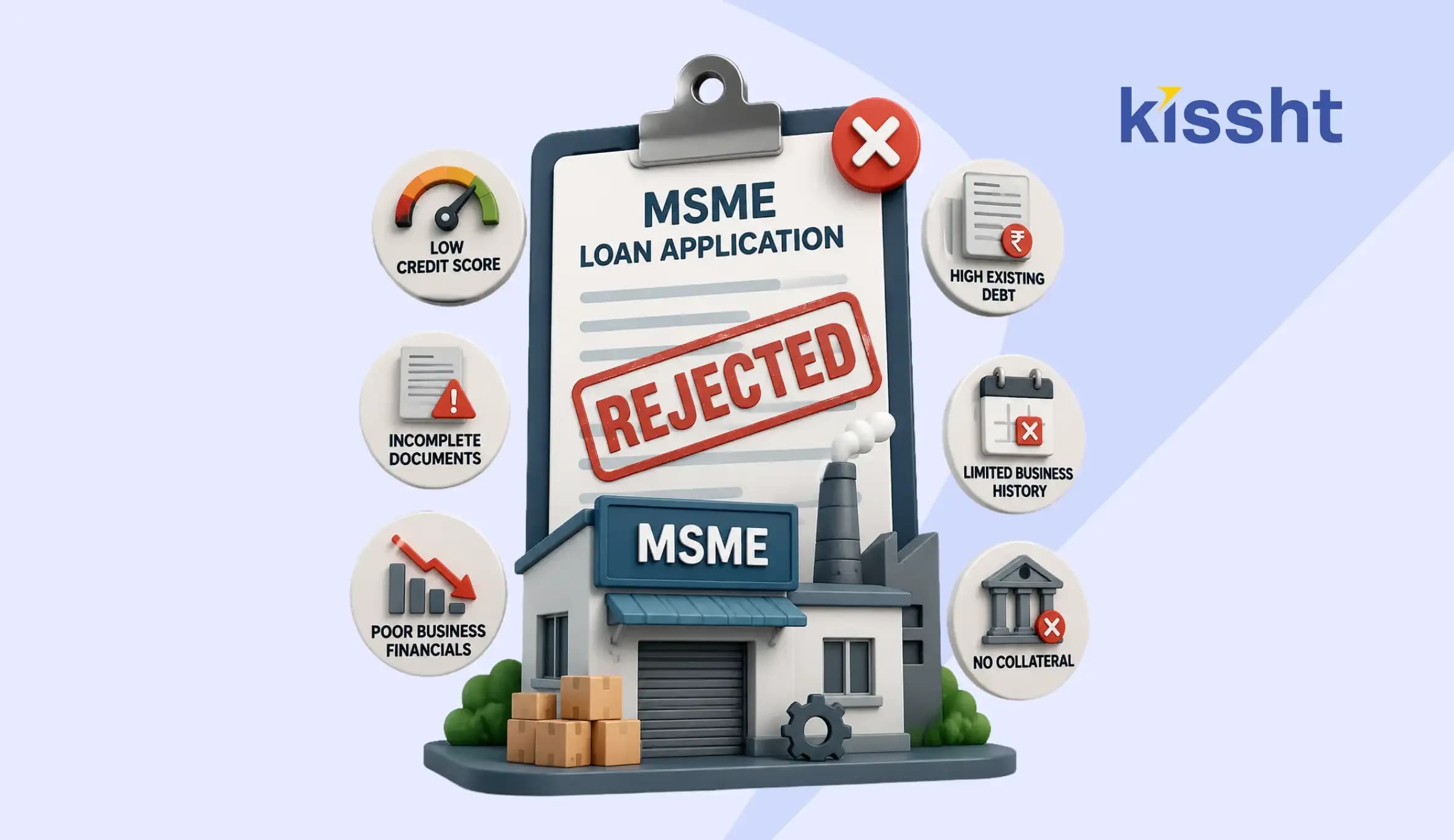
Top Reasons for MSME Loan Rejection
Jul 20, 2026
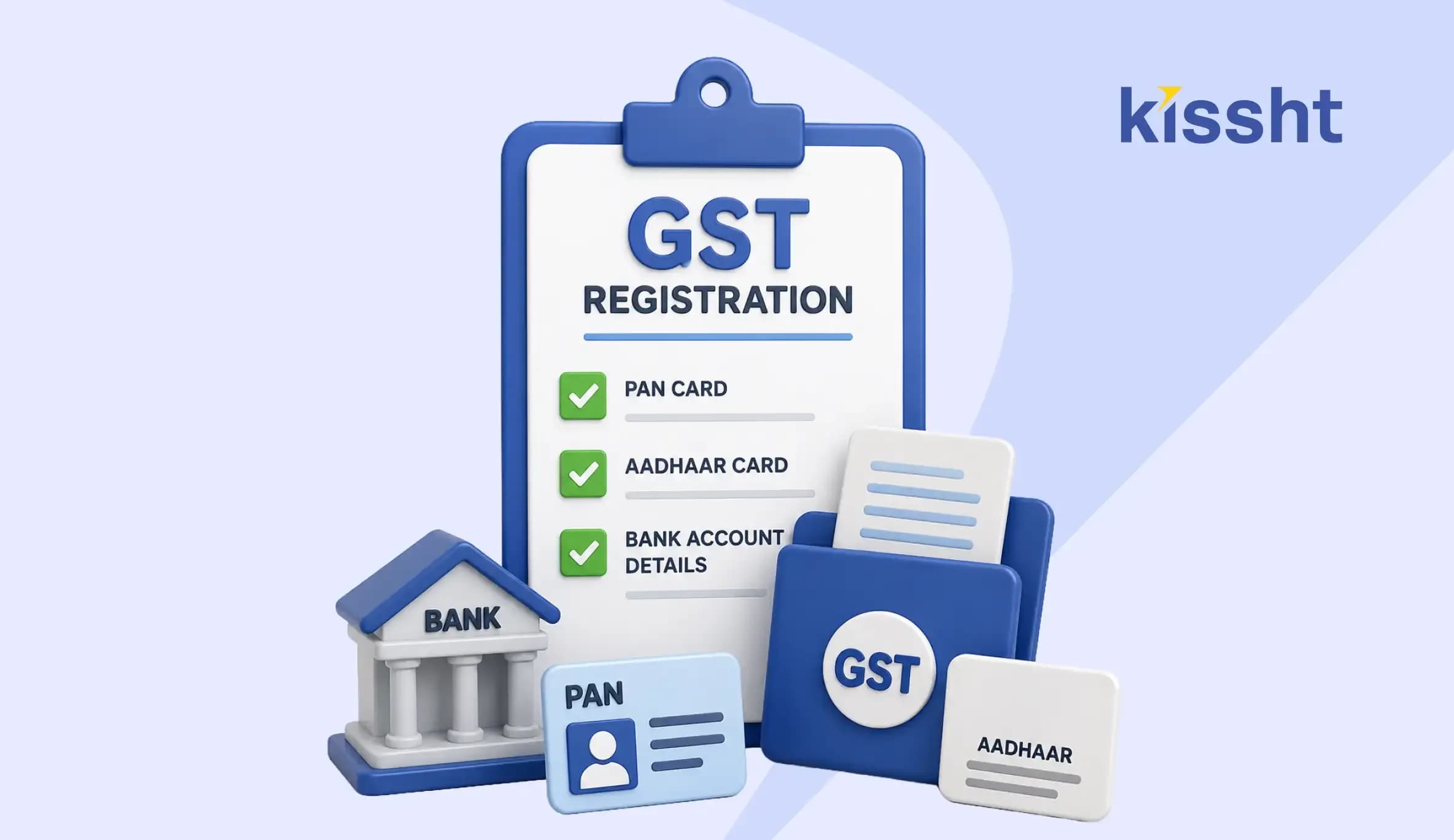
Documents Required for GST Registration
Jul 13, 2026
Personal Loan vs MSME Loan: Which is Better for Business Needs?
Jun 29, 2026
How Much Personal Loan Can I Get Based on My Salary? Complete Eligibility Guide (2026)

Jun 20, 2026
Top Government Schemes for Starting a Business in India 2026: A Complete Guide
Jun 25, 2026
Manage Your Monthly Budget with Ease Using Smart Household Finance Apps
Jun 20, 2026
How to Download Udyam Certificate Online in 2026

Jun 13, 2026

