UAN Activation: What Is a UAN and How Do You Activate It?
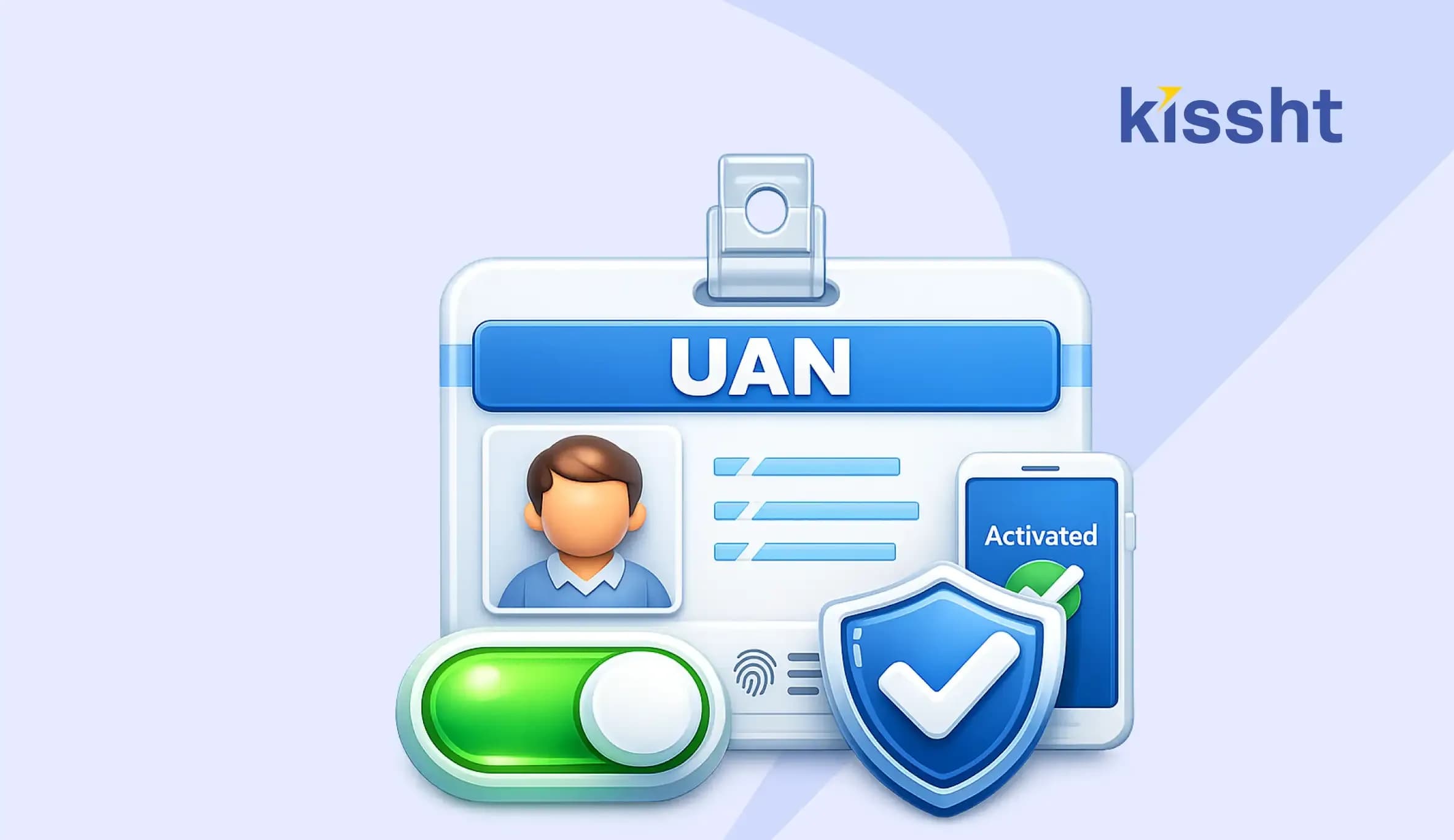
Indian Employees working in the organised sector contribute regularly to the Employees’ Provident Fund (EPF), which serves as an important retirement savings scheme. The Employees’ Provident Fund Organisation (EPFO) oversees these accounts and provides various services that help members manage and access their records throughout their careers.
One of the key requirements for using these services is UAN activation. An active UAN makes it easier to view EPF details, update information, and complete important account-related activities online. Read on to learn what a UAN is, why you should activate it, and the steps to successfully activate the UAN through the UMANG app.
What is UAN?
The EPFO allots a Universal Account Number (UAN) to all salaried employees who contribute to an EPF account. It is a unique 12-digit identification number that remains unchanged throughout your professional career, linking all your different company Member IDs into a single umbrella account.
Why is UAN activation important?
A UAN is useful only after activation. Once you activate EPF UAN, EPFO can verify your identity and give you access to various online services. Some of the benefits that activated UAN users can enjoy are:
- EPF balance check
- Update KYC details
- Submit withdrawal or transfer claims
- Track claim status
- Manage EPF records online
- EPF account transfers between employers, and more.
Note: Recent EPFO updates have made the process more secure through Aadhaar-based verification and Face Authentication Technology (FAT) available through the UMANG (Unified Mobile Application for New-age Governance) app.
Requirements for UAN activation online
Keep the following ready before starting the process:
-
UAN number
-
Aadhaar number
-
Mobile number linked with Aadhaar*
-
UMANG app on your smartphone
-
Aadhaar Face RD app for face authentication
-
The Aadhaar-linked mobile number is necessary because OTP verification is part of the activation process.
How to activate UAN number online through the UMANG app?
For users who don’t have a UAN and want to generate and activate it:
- Open the UMANG app
- Go to the ‘UAN Allotment and Activation’ section
- Enter your Aadhaar number and mobile number
- Tick the consent checkbox for Aadhaar validation
- Select the ‘Send OTP’ option
- Enter the OTP sent to your registered mobile number
Note: If the app asks you to install the Aadhaar Face RD app, install it and continue.
- If you already have a UAN, the app will notify you
- If you do not have a UAN, move to the next step
- Tick the consent checkbox and choose ‘Face Authentication’
- Complete the face scan by following the on-screen instructions
- On successful verification, the system will generate and activate your new UAN
For users who already have a UAN but haven’t activated it yet:
- Open the UMANG app
- Select the ‘UAN Activation’ option
- Enter your UAN, Aadhaar number, and mobile number
- Tick the consent checkbox for Aadhaar verification
- Tap ‘Send OTP’
- Enter the OTP received on your registered mobile number
Note: if required, install the Aadhaar Face RD app and continue
- The system will verify your UAN and Aadhaar details in the EPFO records
- Tick the consent checkbox
- Tap ‘Face Authentication’
- Complete the face scan by following the on-screen instructions
- On successful completion, you will receive your UAN and temporary password via SMS
- Check the updated photo and address details in the EPFO records
Conclusion
UAN activation online is an important step for every EPF member. Once activated, your UAN gives you direct online access to your EPFO account and various EPFO services. With Aadhaar verification and face authentication, the new UMANG-based process has also made this process more secure and convenient.
When employment and related financial records are kept up to date, managing other financial decisions becomes easier. And if you ever need quick access to funds for planned or unplanned life events, it is important to choose the best loan provider for your needs.
In this regard, the Kissht online loan app offers a 100% digital application process and instant personal loan offers , available anytime, anywhere.
FAQs
1. What is UAN?
Universal Account Number (UAN) is a unique 12-digit identification number issued by the EPFO to all salaried employees who contribute to an EPF account.
2. How to activate UAN number?
To activate EPF UAN: Open the UMANG app, enter your UAN, Aadhaar number, and mobile number, verify the OTP, and complete the face authentication process to activate your UAN.
3. What happens if we don’t activate the UAN?
You may not be able to access EPFO online services such as passbook viewing, KYC updates, claim submission, account management, and more.
4. Does the UAN number remain the same?
Yes, your UAN remains the same throughout your entire career, regardless of how many jobs or companies you change.
5. Is UAN activation free?
Yes, UAN activation is completely free through the UMANG app. The EPFO doesn’t charge any fees for this service.
6. Can I activate the UAN without Aadhaar?
No, you cannot activate UAN without Aadhaar. The EPFO has made Aadhaar mandatory for UAN activation online through the UMANG app.



Instant Loans at Your Fingertips
Apply nowPersonal Loan
Fast, hassle-free loan for your personal needs.

Business Loan
Fuel your business growth with quick approvals.

Loan Against Property
Unlock your property’s value with ease.

Credit Pulse
Boost your credit score with smart insights.

Track your credit score
Simply enter your mobile number to get a quick overview of your credit score.
Check Now
Related articles

Aug 20, 2026
Chakshu Portal: What to Do When You Receive a Fraudulent Communication?

Jul 15, 2026
How Much Loan Can You Get for a Food Franchise Business?

Aug 10th 2026
Janmashtami 2026: Date, Time, Significance and Celebrations in India
Aug 10, 2026
Independence Day Special: 10 Smart Money Habits to Build Financial Freedom
Jul 23, 2026
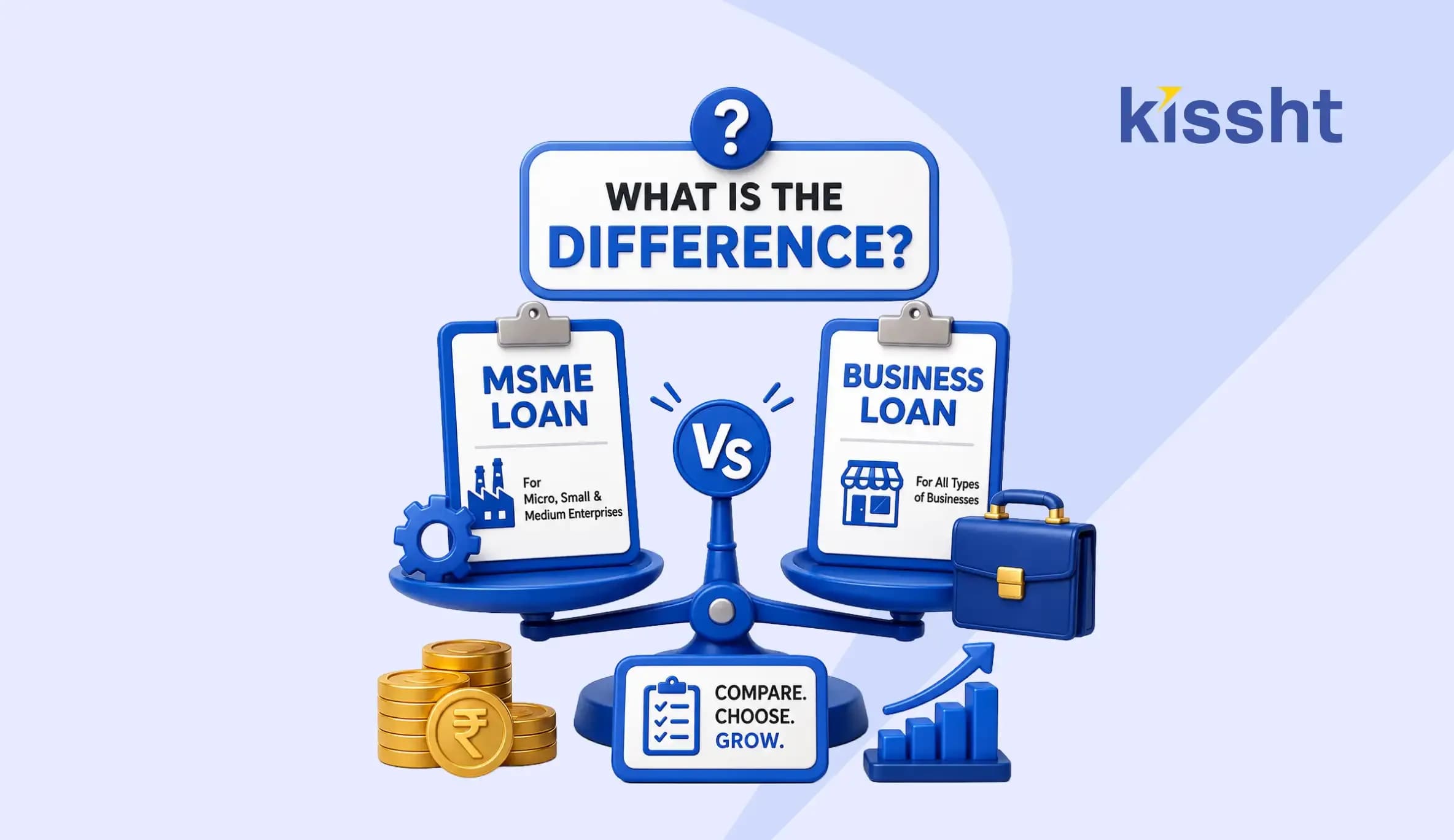
What Is the Difference? MSME Loan vs Business Loan
Jul 22, 2026
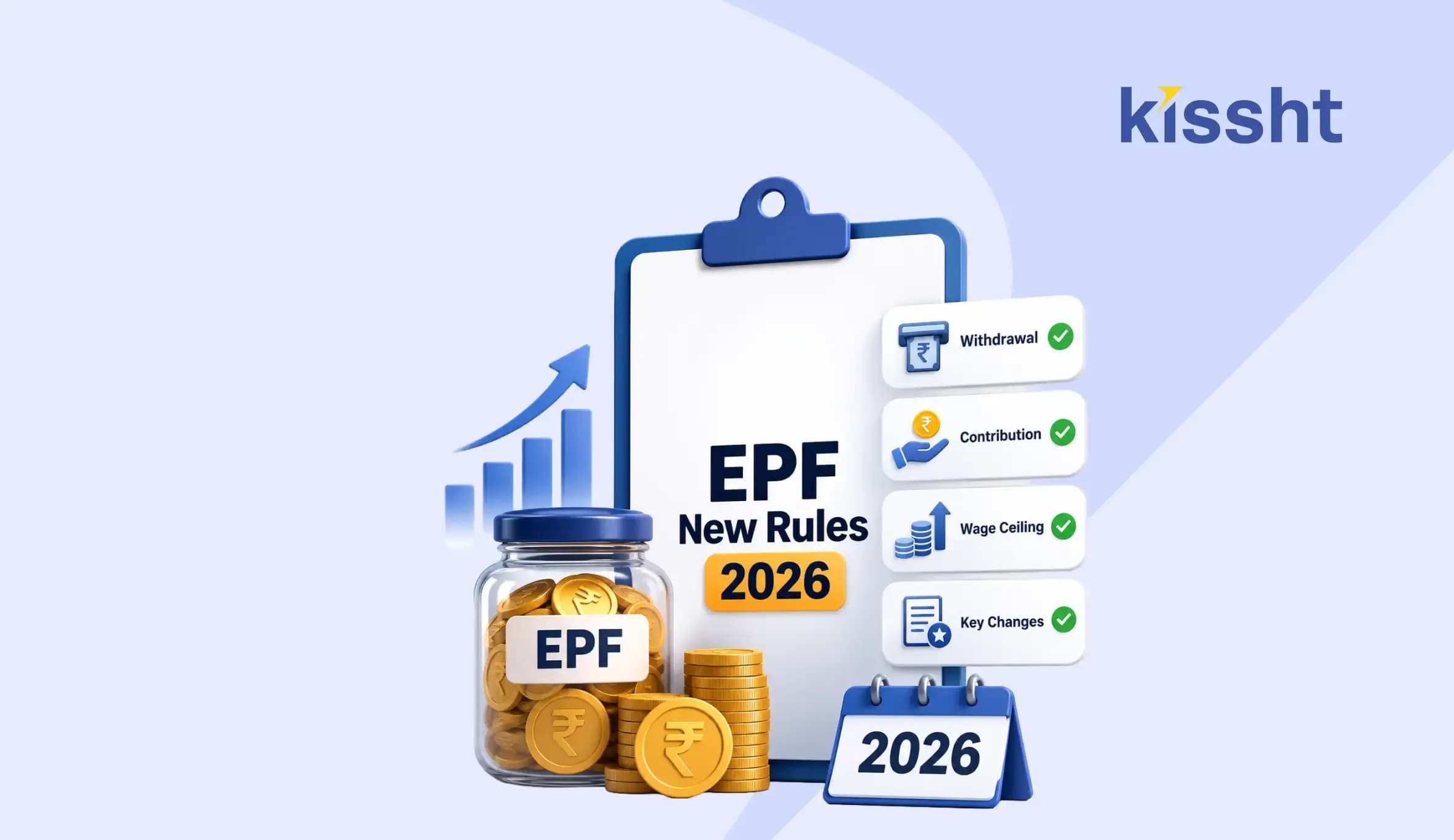
EPF New Rules 2026 Explained: Withdrawal, Contribution, Wage Ceiling & Key Changes
Jul 20, 2026
How to Check EPFO Pension Status Online Using PPO Number (2026)
Jul 21, 2026
Top Reasons for MSME Loan Rejection
Jul 20, 2026
Documents Required for GST Registration

Jul 20, 2026
Best Laptop for College Students in India: Complete Buying Guide 2026
Jul 16, 2026
How to Check FASTag Balance Online: Vehicle Number, App, SMS & Missed Call (2026)

Jul 8, 2026

