How to Change Name on Driving Licence Online in India
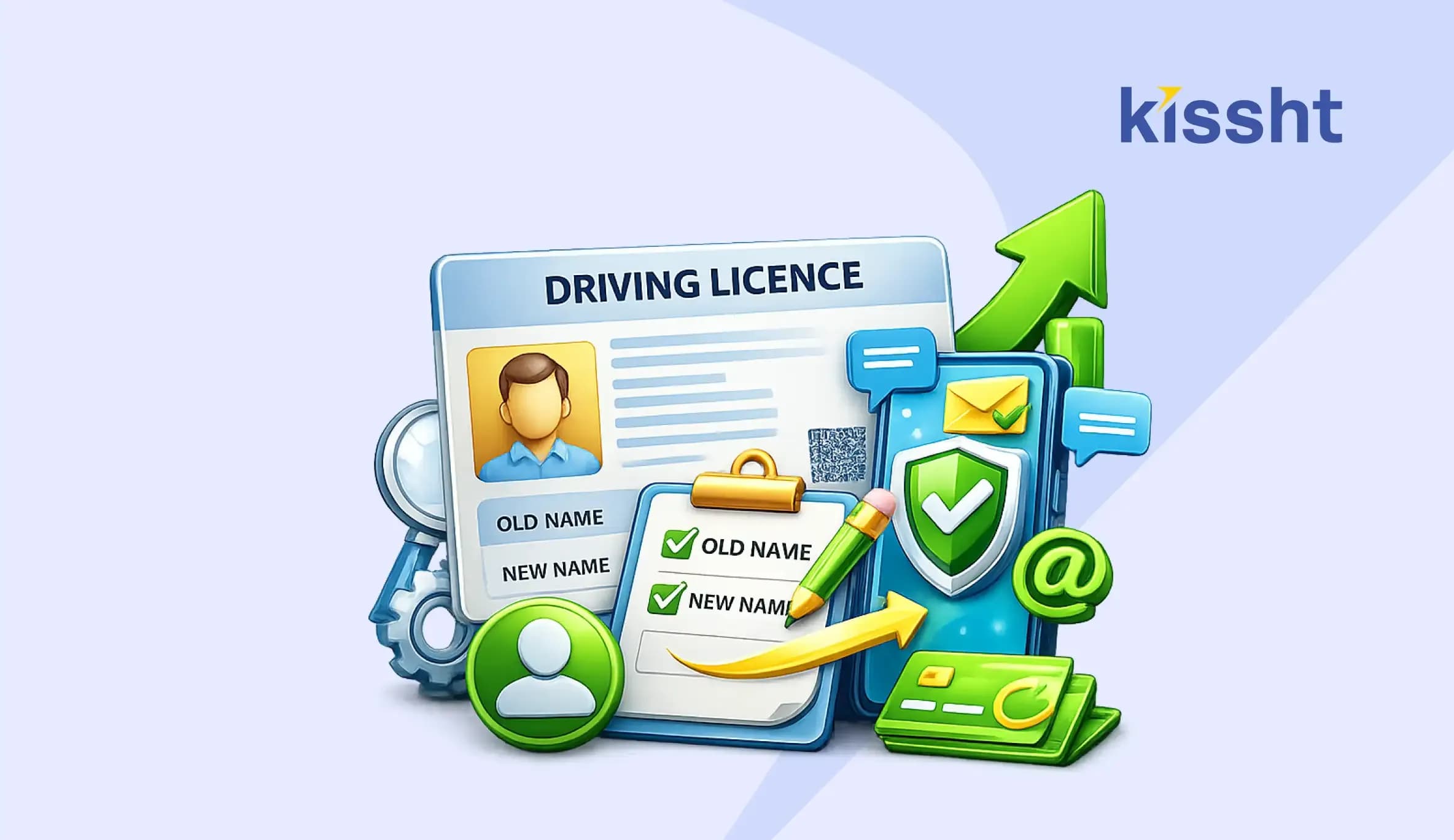
A Driving Licence (DL) is one of the most important forms of identity and address proof used across India. Any mismatch between your current name and the name printed on your driving licence can cause issues when applying for loans, insurance, vehicle-related services, or government documents.
The Ministry of Road Transport and Highways has made the process much simpler through the Parivahan Sewa portal. Applicants can now complete most of the procedure online without visiting the Regional Transport Office (RTO) multiple times. In this blog, we shall discuss the process to change name on driving licence quickly without unnecessary delays.
Reasons to change a name on driving licence
You may need to update your name on your driving licence for the following reasons to avoid verification issues:
- Name or surname change after marriage
- Divorce and reverting to a previous surname
- Legal name change through a Gazette notification
- Correction of spelling mistakes
- Updating records to match Aadhaar, PAN, Passport, or other documents
Documents required for a driving licence update name
Before starting the application, keep the following documents ready:
| Documents | Related Proofs |
|---|---|
| Original Driving Licence | Physical or digital form |
| Proof of Identity (with new name) | Aadhaar Card, PAN Card, Voter ID, or Passport |
| Proof of Address | Aadhaar Card, Passport, Utility Bills, Ration Card, etc. |
| Legal Documents | Marriage Certificate (for surname change), Divorce Decree (reverting to previous surname), Affidavit issued by a Notary Public or Gazette Officer |
| Passport-size Photographs | A few recent colour copies |
Note:Document requirements may vary slightly across states.
How to change name on driving licence online?
If you prefer not to visit the RTO in person, you can apply for a change of name on a driving licence online through the Parivahan Sewa portal.
- Visit the official Parivahan Sewa website
- Scroll down and select the ‘Drivers/Learners Licence’ option
- Choose the state where your driving licence was originally issued
- Select the ‘DL Services’ option
- Read the instructions displayed on the screen and click ‘Continue’
- Enter your driving licence number, DOB, and captcha
- Tick the consent checkbox and select the ‘Get Details’ option
- Verify your details, and select your state and RTO
- Click on ‘Proceed’
- Confirm your registered address and complete OTP verification
- Choose ‘Change of Name in DL’ from the list of available services
- Enter your new name/surname exactly as it appears on your supporting documents
- Upload the required documents, including ID proof, address proof, photograph, and signature
- Pay the nominal fee (around Rs. 200, depending on the state)
- Download the acknowledgement receipt
- Save the application reference number for tracking purposes
Note: In most states, you still need to visit the RTO once for biometrics and final verification.
How to change name on driving licence offline (RTO visit)?
If you don’t wish to apply for a change of name on a driving licence online, you can visit your jurisdictional RTO with the required documents.
- Visit the RTO that issued your driving licence during working hours
- Collect Form 2 from the designated RTO officer
- Fill in the form and enter your new name exactly as it appears on your supporting documents
- Attach the required documents, including ID proof, address proof, photographs, and a copy of your existing DL
- Submit the form and pay the nominal fee (around Rs. 200, depending on the state)
- If required, the state might ask for your photographs, signatures, and biometrics
- Collect the acknowledgement receipt for tracking purposes
Common mistakes to avoid
If you plan to change a name on driving licence records, watch out for these common mistakes to avoid application rejections or processing delays.
- Applying before updating Aadhaar details
- Uploading unclear, incomplete, or invalid documents
- Entering a name that doesn’t match the official records
- Providing incorrect driving licence details
- Not carrying original documents for verification
- Ignoring RTO verification requirements
- Losing the acknowledgement receipt or application reference number
Conclusion
The process to change name on driving licence online has become significantly easier through the Parivahan Sewa portal. Applicants can complete most of the procedure from home by submitting documents, paying fees online, and tracking application status digitally. By keeping your driving licence up to date, you can ensure consistency across all official records and avoid future complications.
Beyond helping you avoid issues with official records, updated documents can also simplify verification when applying for an instant personal loan. With the Kissht instant loan app, users can explore credit options and use the loan EMI calculator to estimate repayment obligations before applying. Thus, it is always good financial practice to keep all personal, professional, and financial records up to date.
FAQs
1.How to change name on driving licence online?
Visit the Parivahan Sewa portal > Select Driving Licence services > Choose your state > Submit the name request > Upload supporting documents > Pay the fee > Complete verification if required.
2.How much time does it take to change the name on a driving licence?
Most applicants receive their updated driving licence within 7 to 30 working days, provided all documents are accurate, and verification is completed without delays.
3. How to track the status of a name change on a driving licence online?
You can track the status through the Parivahan Sewa Driving Licence status portal using your driving licence number, DOB, and captcha.
4.What documents are required in case of a driving licence surname change?
You need a Marriage Certificate, Aadhaar card (with updated name, if available), and your existing driving licence.
5.How to change name and address on driving licence together?
You can often submit a combined request to change name and address on driving licence through the Parivahan Sewa portal. Required documents include ID proof, address proof, and your existing driving licence.




Instant Loans at Your Fingertips
Apply nowPersonal Loan
Fast, hassle-free loan for your personal needs.

Business Loan
Fuel your business growth with quick approvals.

Loan Against Property
Unlock your property’s value with ease.

Credit Pulse
Boost your credit score with smart insights.

Track your credit score
Simply enter your mobile number to get a quick overview of your credit score.
Check Now
Related articles

Aug 20, 2026
Chakshu Portal: What to Do When You Receive a Fraudulent Communication?

Jul 15, 2026
How Much Loan Can You Get for a Food Franchise Business?

Aug 10th 2026
Janmashtami 2026: Date, Time, Significance and Celebrations in India
Aug 10, 2026
Independence Day Special: 10 Smart Money Habits to Build Financial Freedom
Jul 23, 2026
What Is the Difference? MSME Loan vs Business Loan

Jul 22, 2026
EPF New Rules 2026 Explained: Withdrawal, Contribution, Wage Ceiling & Key Changes
Jul 20, 2026
How to Check EPFO Pension Status Online Using PPO Number (2026)
Jul 21, 2026
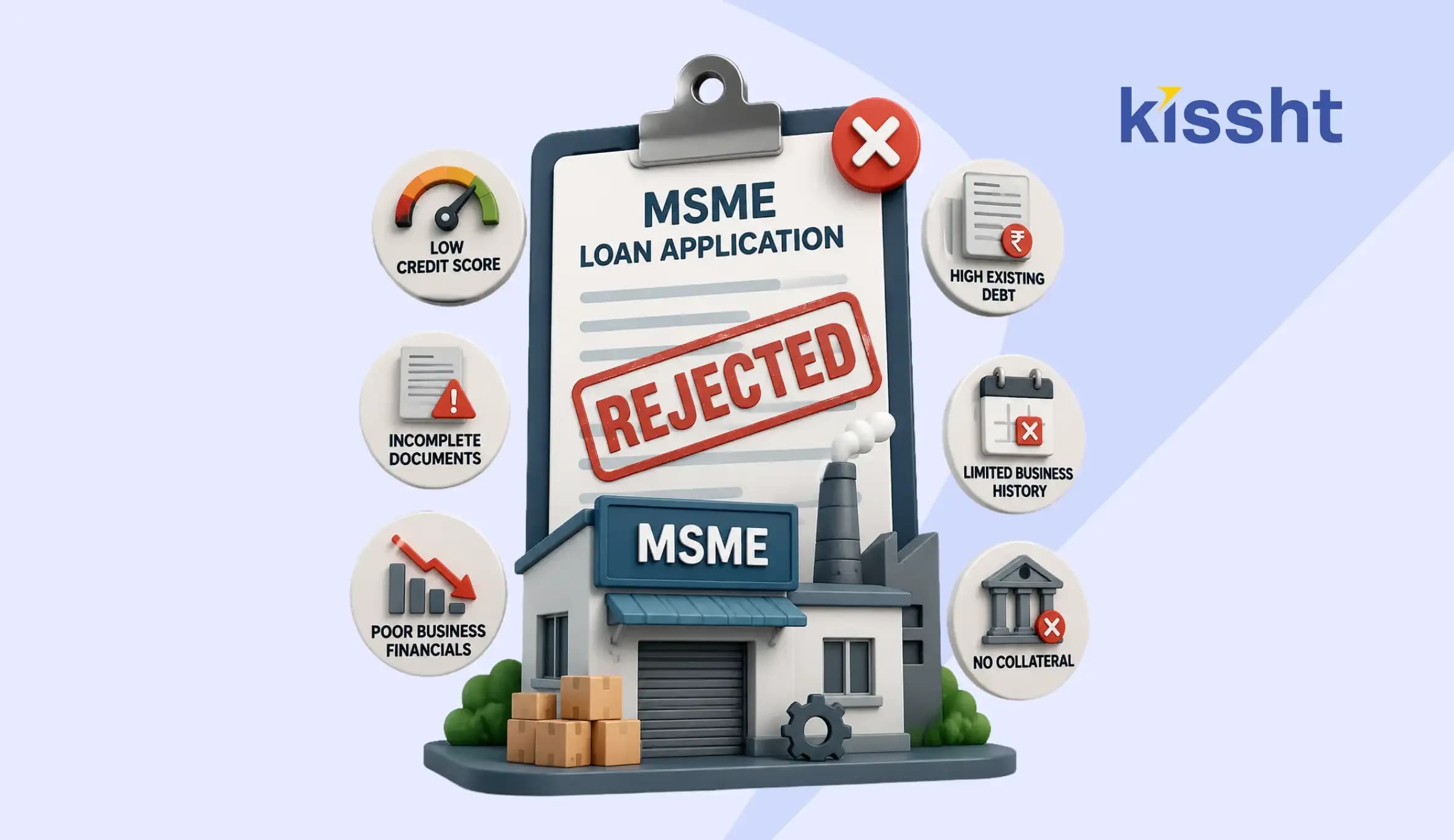
Top Reasons for MSME Loan Rejection
Jul 20, 2026
Documents Required for GST Registration

Jul 20, 2026
Best Laptop for College Students in India: Complete Buying Guide 2026
Jul 16, 2026
How to Check FASTag Balance Online: Vehicle Number, App, SMS & Missed Call (2026)

Jul 8, 2026

