How to Safeguard Yourself Against Cyber Phishing Attacks
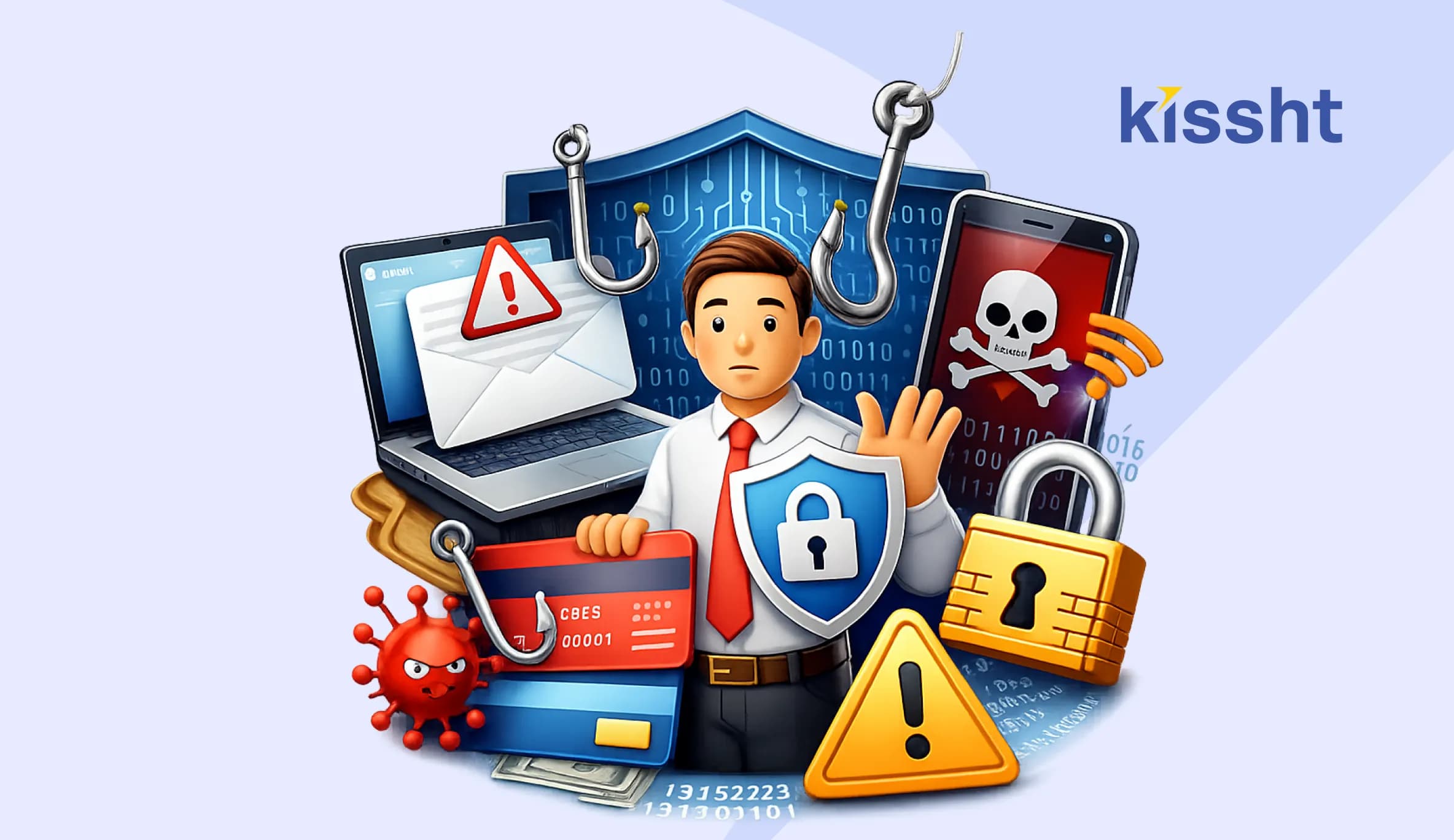
Phishing is a cyber threat that individuals face today, targeting unsuspecting users through emails, SMS messages, fake websites, and app notifications. Cybercriminals often disguise themselves as trusted institutions to deceive people into providing sensitive information such as passwords, OTPs, and banking details.
As digital banking, e-commerce transactions, and financial services such as loan apps and instant loans online become part of everyday life, these fraudulent attempts are becoming more sophisticated. Understanding how phishing works and staying alert is essential to protecting your personal and financial data in an increasingly connected world.
What Is Phishing
Phishing is a type of cyber fraud. In this fraud, attackers pretend to be legitimate organisations to deceive individuals into sharing sensitive information, like passwords, OTPs, bank details, or card numbers.
Common Types of Phishing Attacks
Cybercriminals use multiple techniques. Being aware of them is your first line of defence.
-
Email Phishing
Fraudulent emails that appear to originate from banks, service providers, or financial platforms.
-
SMS Phishing or Smishing
Messages containing suspicious links that claim urgent account updates or reward claims.
-
Voice Phishing or Vishing
Calls from individuals pretending to be customer support executives asking for confidential details.
-
Clone Websites
Fake websites designed to look identical to official portals.
Red Flags You Should Never Ignore
Phishing attempts often follow a pattern. Look out for:
- Urgent language such as immediate action required
- Requests for OTPs, PINs, or passwords
- Suspicious email addresses
- Poor grammar or unusual formatting
- Links that do not match official website domains
Legitimate financial platforms, including trusted lending services and regulated digital providers, never ask for confidential credentials through unsecured channels.
How to Protect Against Phishing Attacks
If you are wondering how to protect against phishing attacks, here are practical steps you can implement immediately.
Verify Before You Click
Always check the sender’s email ID and website URL. Type official website addresses manually instead of clicking unknown links.
Enable Two-Factor Authentication
Two-factor authentication puts an extra layer of security beyond passwords.
Keep Software Updated
Updated operating systems and apps contain security patches that reduce vulnerabilities.
Avoid Public Wi Fi for Financial Transactions
Public networks are more susceptible to data interception.
Use Strong and Unique Passwords
Create different passwords for different platforms. Avoid sharing them with anyone.
Monitor Financial Transactions Regularly
Regularly check bank statements and app activity to detect unauthorised transactions quickly.
These habits help you consistently protect against phishing attempts.
Why Financial Awareness Matters
Digital finance solutions, including online lending services and secure loan apps, have made access to funds easier and more efficient. Applying for an instant loan online saves time and simplifies documentation. However, the convenience of digital services also requires users to stay alert.
Fraudsters may impersonate popular financial platforms to gain trust. Always:
- Download apps only from official app stores
- Verify the website domain carefully
- Check customer care details on the official site
Responsible usage ensures that you enjoy the benefits of digital financial services without compromising security.
What To Do If You Suspect Phishing
If you believe you have encountered a phishing attempt:
- Do not click on suspicious links
- Do not share personal information
- Change your passwords immediately
- Inform your bank or service provider
- Report the incident to the cybercrime authorities
Quick action can limit potential damage.
Cyber Safety Checklist
Here is a quick reference table for daily digital hygiene.
| Safety Practice | Why It Matters |
|---|---|
| Verify sender identity | Prevents impersonation scams |
| Avoid sharing OTP | Protects financial access |
| Use official websites only | Reduces risk of clone sites |
| Update apps regularly | Fixes security vulnerabilities |
| Monitor transactions | Detects fraud early |
Following this checklist significantly strengthens your digital defence.
Building Long-Term Digital Confidence
Cybersecurity is not about fear. It is about awareness. When you understand what phishing attacks are and how they operate, you reduce the chances of falling victim.
Whether you are managing investments, using banking services, or applying through regulated financial platforms, informed decisions make all the difference. Staying cautious, verifying sources, and practising safe browsing habits ensure your financial and personal data remain secure.
Digital growth and convenience are here to stay. With the essential knowledge and simple precautions, you can navigate the digital landscape while ensuring your safety.
Frequently Asked Questions
What is phishing, and how does it work?
Phishing is a cyber fraud technique where attackers impersonate trusted organisations to trick individuals into sharing sensitive information like passwords or banking details.
How can I protect against phishing attacks?
You can protect yourself by verifying links, enabling two-factor authentication, avoiding suspicious emails, and never sharing OTPs or passwords.
Are phishing attacks limited to emails?
No. Phishing can happen through SMS, phone calls, fake websites, and even social media messages.
Is it safe to apply for an instant loan online?
Yes, as long as you use verified and regulated platforms, download apps from official stores, and avoid clicking on suspicious links.
Health Insurance Tax Benefits for Salaried Employees
 Previous
Loan for Hair Transplant: Everything You Need to Know


Kissht Research TeamTeam Kissht - Authors
Thank You for reading the Kissht blog. Behind every article is the Kissht Content & Research Team, working to make sure you always find clear, reliable answers to your personal finance questions.Thank you for reading the Kissht blog. Behind every article is the Kissht Content & Research Team, working to make sure you always find clear, reliable answers to your personal finance questions.

Instant Loans at Your Fingertips
Apply nowPersonal Loan
Fast, hassle-free loan for your personal needs.

Business Loan
Fuel your business growth with quick approvals.

Loan Against Property
Unlock your property’s value with ease.

Credit Pulse
Boost your credit score with smart insights.

Track your credit score
Simply enter your mobile number to get a quick overview of your credit score.
Check Now
Related articles
Aug 20, 2026
Chakshu Portal: What to Do When You Receive a Fraudulent Communication?
Jul 15, 2026
How Much Loan Can You Get for a Food Franchise Business?
Aug 10, 2026
Independence Day Special: 10 Smart Money Habits to Build Financial Freedom
Jul 23, 2026
What Is the Difference? MSME Loan vs Business Loan
Jul 20, 2026
How to Check EPFO Pension Status Online Using PPO Number (2026)
Jul 21, 2026
Top Reasons for MSME Loan Rejection
Jul 20, 2026
Documents Required for GST Registration
Jul 13, 2026
Personal Loan vs MSME Loan: Which is Better for Business Needs?
Jun 29, 2026
How Much Personal Loan Can I Get Based on My Salary? Complete Eligibility Guide (2026)
Jun 20, 2026
Top Government Schemes for Starting a Business in India 2026: A Complete Guide
Jun 25, 2026
Manage Your Monthly Budget with Ease Using Smart Household Finance Apps
Jun 20, 2026

